
LightBurn

Industry-Leading Software
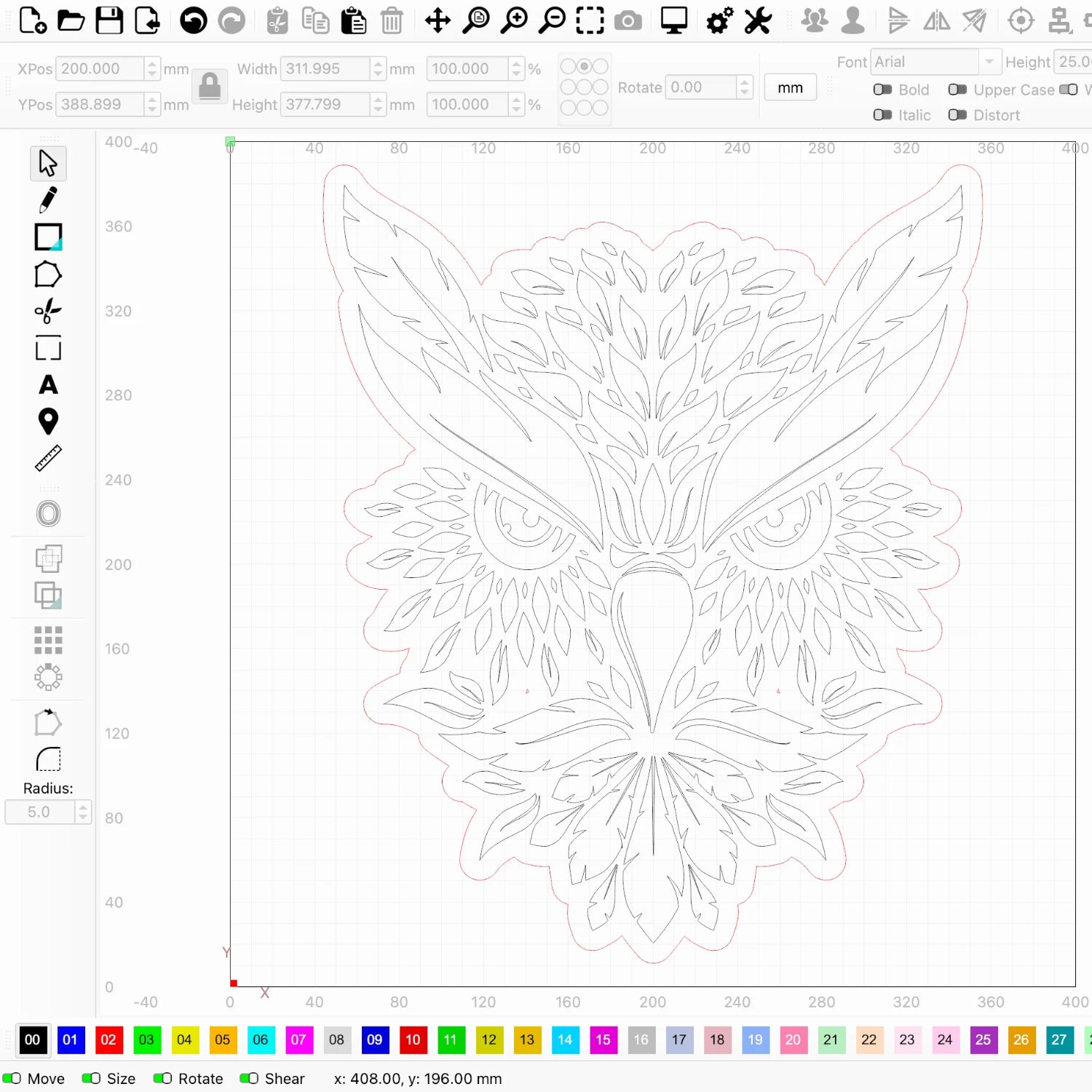
LightBurn combines a versatile array of design tools with the ability to fine-tune laser settings and directly control your machine.
- Create, edit, and arrange original designs
- Import artwork in a variety of common vector and image formats
- Apply settings like Speed, Power, Interval, Number of Passes, Cut Order, and more
- Connect to and control your laser
- Runs on Windows and macOS
For a comprehensive view of LightBurn's tools and features, visit our User Guide or download our unrestricted free trial.
 Try LightBurn for free
 Try LightBurn for free
If you're already a licensed user, and your license has not expired, you can download the latest release below.
One Program to Run Them All
LightBurn supports hundreds of lasers made by dozens of manufacturers — entry-level to industrial. Diode, CO2, Fiber, UV, and more.
Stick with the same software whenever you add new tech to your shop, reducing the learning curve and giving you the quickest return on your new investment.
Made for Makers, from Hobbyist to Business
We offer two license types — Core and Pro. The version you need depends on the type of laser you're using, and the precise demands of your workflow.
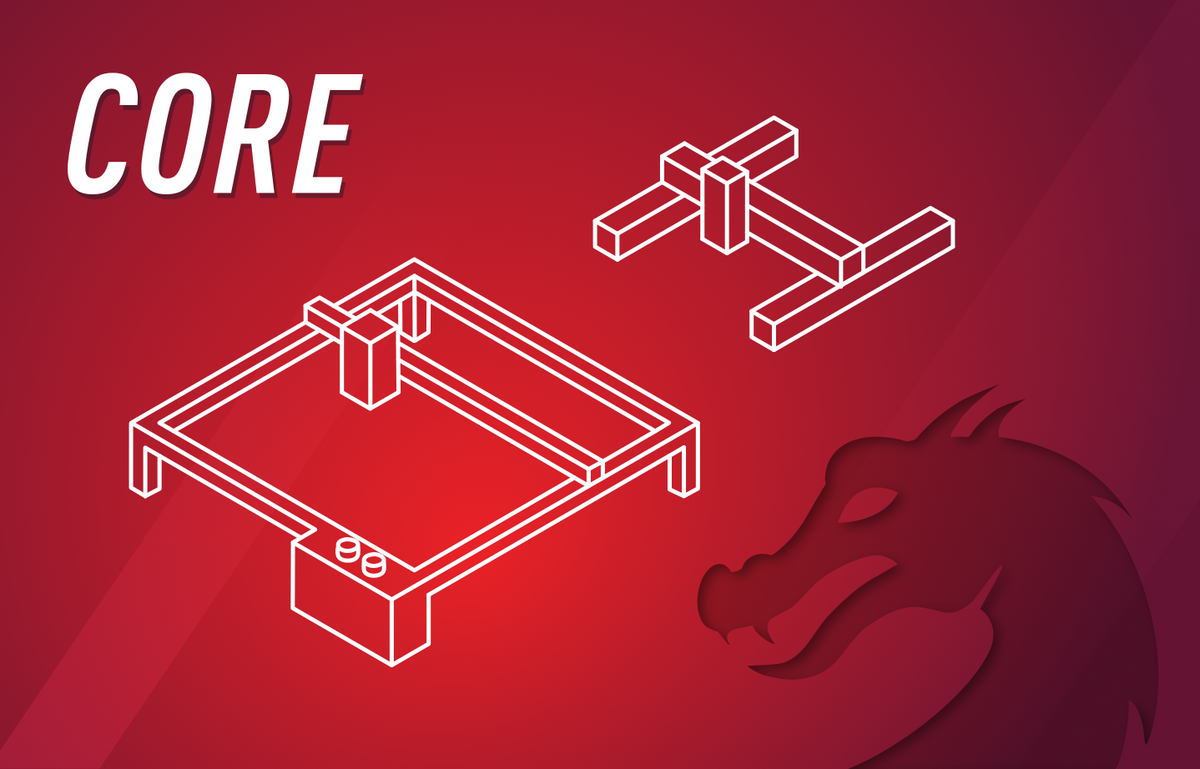
Core supports GCode-based lasers, and provides access to almost all of LightBurn's design, editing, and layout tools.
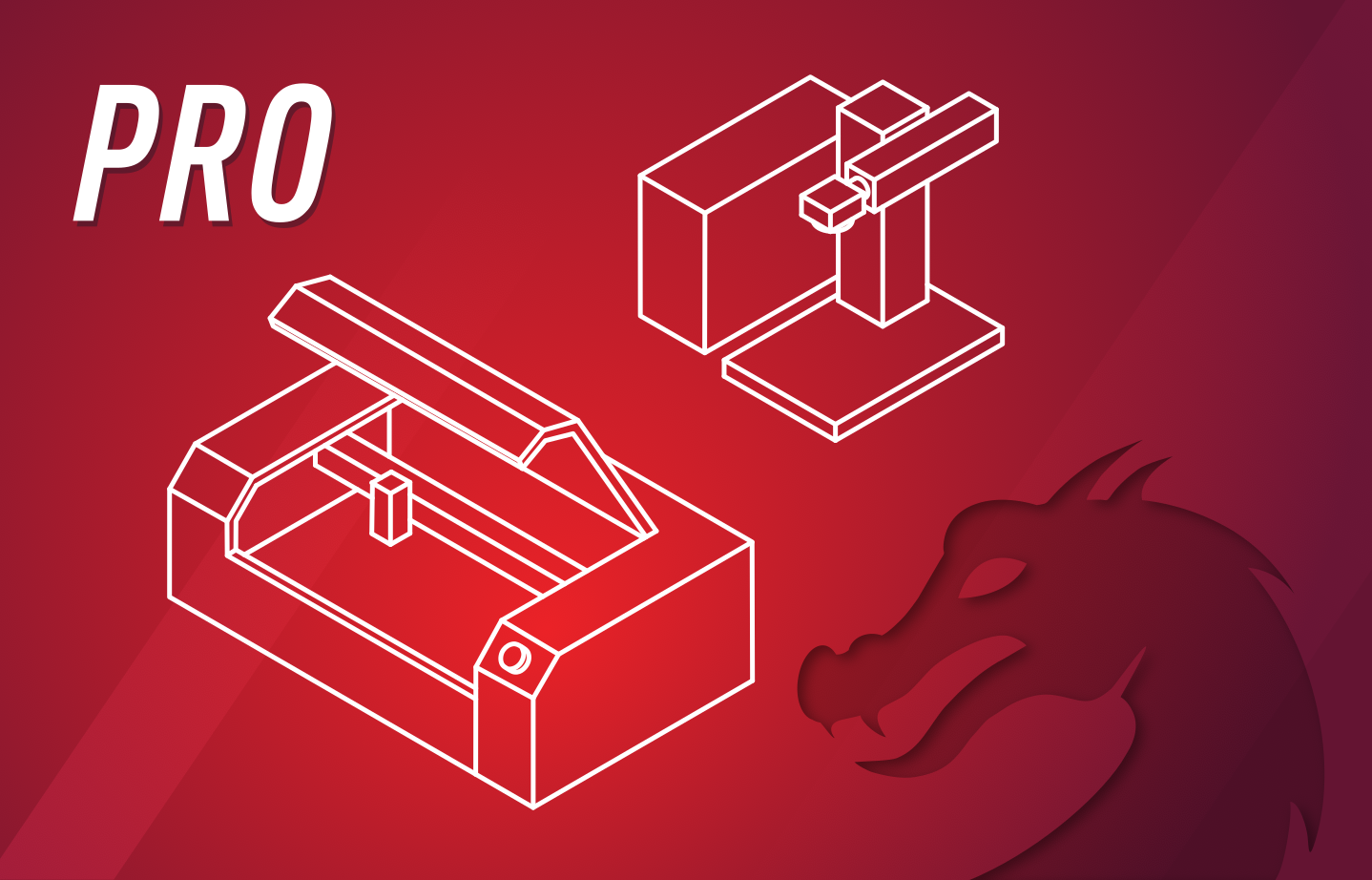
Pro supports DSP, Galvo, and GCode-based lasers, and provides access to every design tool in Core, and more.
Own it Forever
Affordable Updates
Easy Upgrades
All LightBurn licenses are perpetual, and come with a year of free updates, starting on the day you first activate. After a year, you can continue using your current version forever, or renew to add another year of updates to your license.
The price to renew LightBurn is the same whether you're a Core or a Pro user — $40 USD for one year of updates.
If you start with Core, you can upgrade your existing license to Pro down the road for $100 USD.
Every license comes with 3 seats, meaning you can activate LightBurn on up to 3 computers at one time. You can rearrange your activations at any time, or purchase additional seats to activate on more than 3 computers at once.
Buy LightBurn
2 products
Details
Machine compatibility checker
To find the right software for you, search the machines you own.
Unlisted machines may work. Use our free trial to check.
Compatible softwares
Details
Machine compatibility checker
To find the right software for you, search the machines you own.
Unlisted machines may work. Use our free trial to check.
Compatible softwares
Purchasing Help
How the License Works
Buy once and own forever. Purchase another year of updates only if we add something you really like.
Which Version?
Determine which version of LightBurn is right for you.
Machine Compatibility
Find out if LightBurn will work with your machine.
Bulk Licensing
Educational and large-volume bundles.