
The wait is over — MillMage is here!
MillMage combines LightBurn’s array of design and layout tools with CAM and Control functionality built specifically for CNC routers, so you can take your ideas from design to finished product all within a single powerful program.
- Create, edit, and combine graphics
- Assign a wide variety of CNC routing operations to shapes in your project
- Generate toolpaths for any CNC that runs standard GCode
- Modify your GCode output to fit your firmware, without needing to use a post-processor
- Directly connect to and control any CNC running GRBL, Smoothieware, or common GRBL variants
- Click here for a full list of supported firmware
We’re also bringing the values we founded LightBurn on to the MillMage licensing model:
- Perpetual licenses. Buy once and MillMage is yours forever. No subscription needed.
- Fair pricing. As with LightBurn, we’re dividing MillMage into two options, Core and Pro. Core is available today, and priced at $99 USD. Pro will come down the road, priced at $199 USD, and include additional advanced features: V-Carving, Relief Carving, True Nesting, and more. We decided on this model so we could offer a more affordable option to users that don’t need the premium features that take us considerably longer to develop.
- Straightforward upgrades. If you start with Core, you’ll be able to upgrade your existing license to Pro later on — you’ll only pay the difference between a new Core and Pro license, $100 USD.
- Optional renewals. After your license has been active for a year, your update period will end. You can choose to renew to receive another year of updates, or continue using your current version until the end of time. We’ll keep writing new features until we convince you the renewal is worth it. If you renew before your license expires, you’ll get an extra two months, on us.
Learn more about our licensing model here.
MillMage is free to try for 30 days — no restrictions and no watermarks. Download today and revolutionize your CNC routing workflow.
If you've been with us all along and are ready to take the plunge, buy MillMage here.
Design
At the heart of MillMage is the design, editing, and layout suite you know and love from LightBurn. That includes our tools for creating shapes, drawing vector paths, adding text, combining objects, copying graphics in grid or radial patterns, and many more.
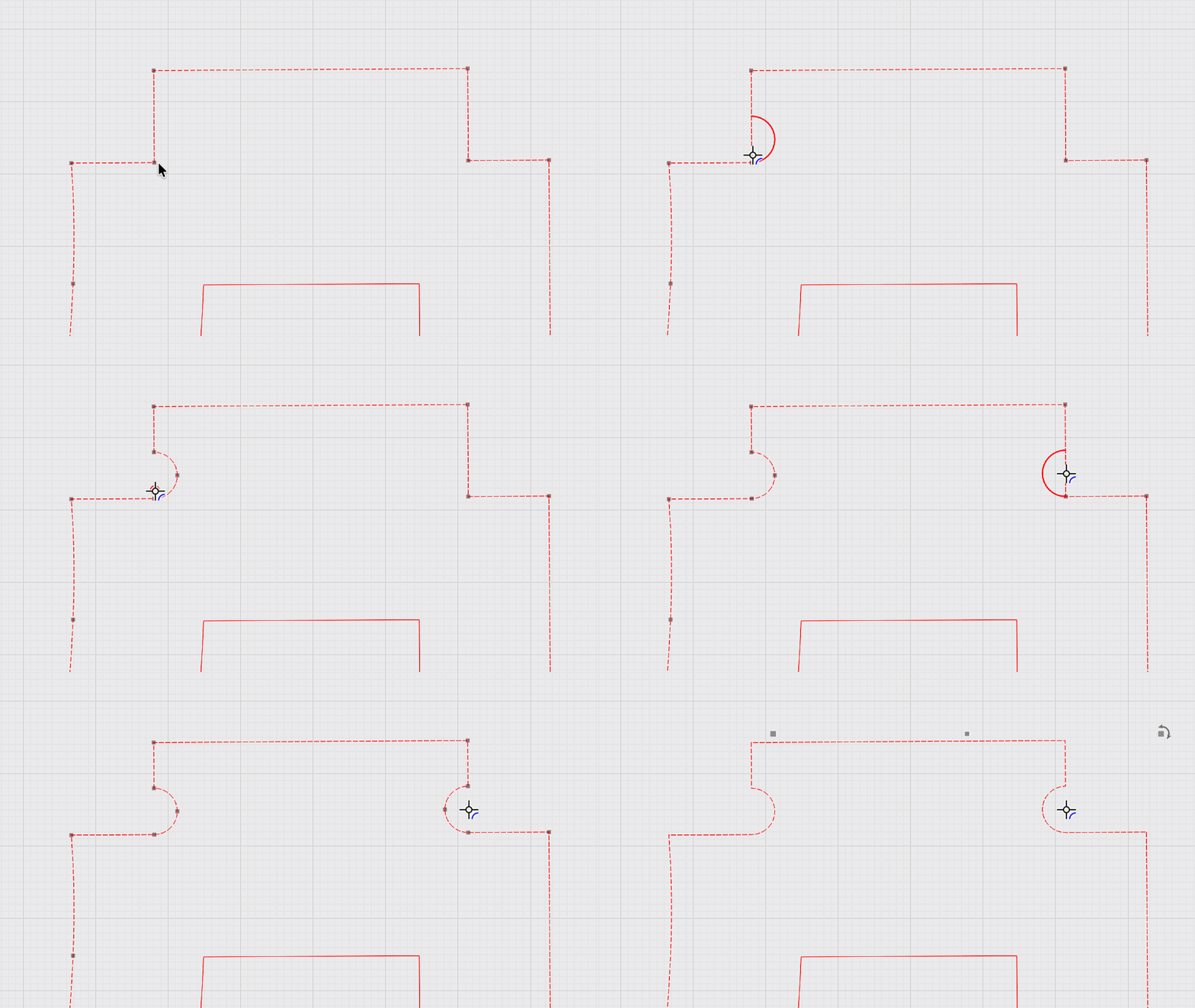
We’ve also expanded our design capabilities with the special needs of CNC routers in mind — you can now use the Radius tool to add Dogbones and T-Bones to corners.
CAM
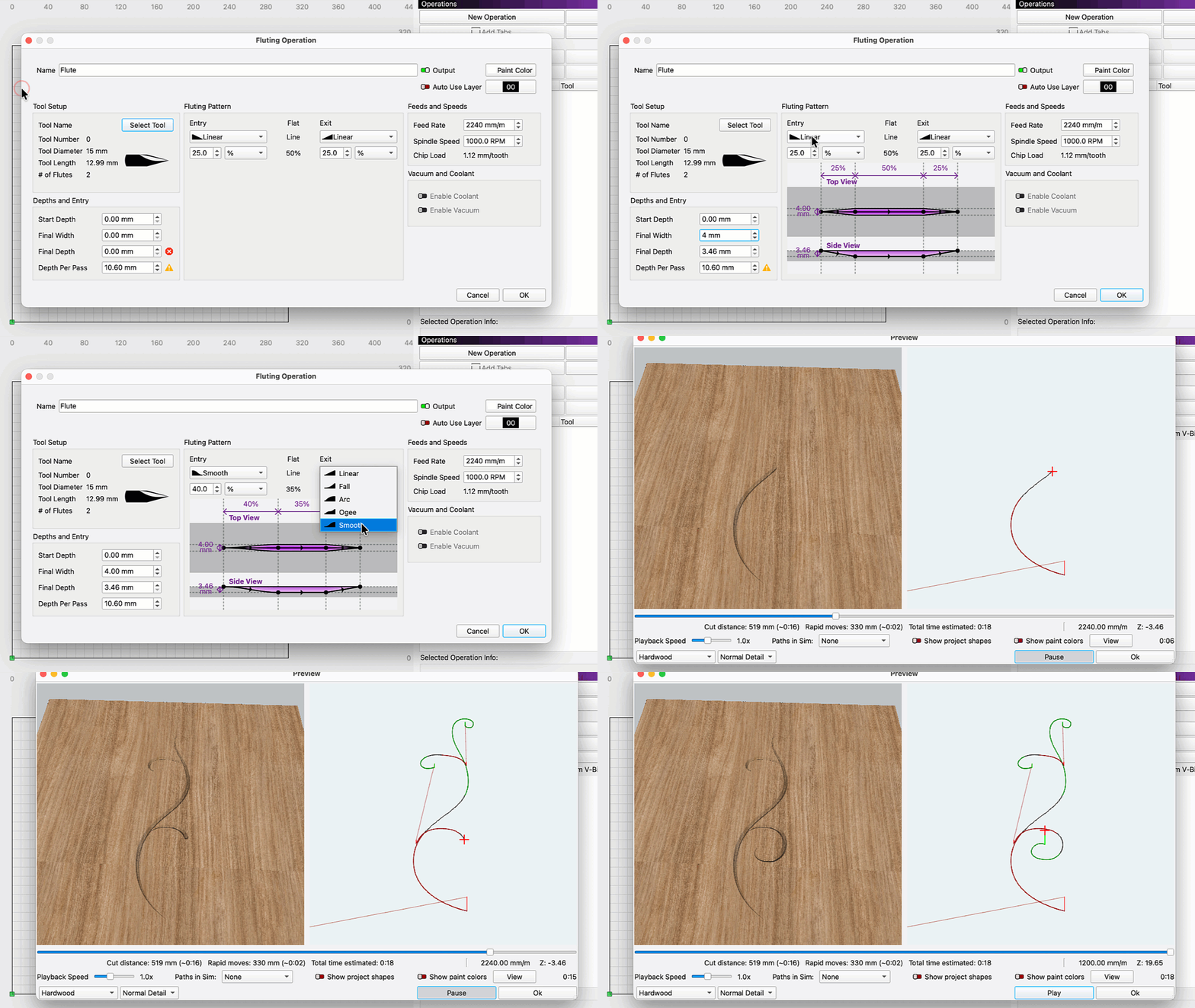
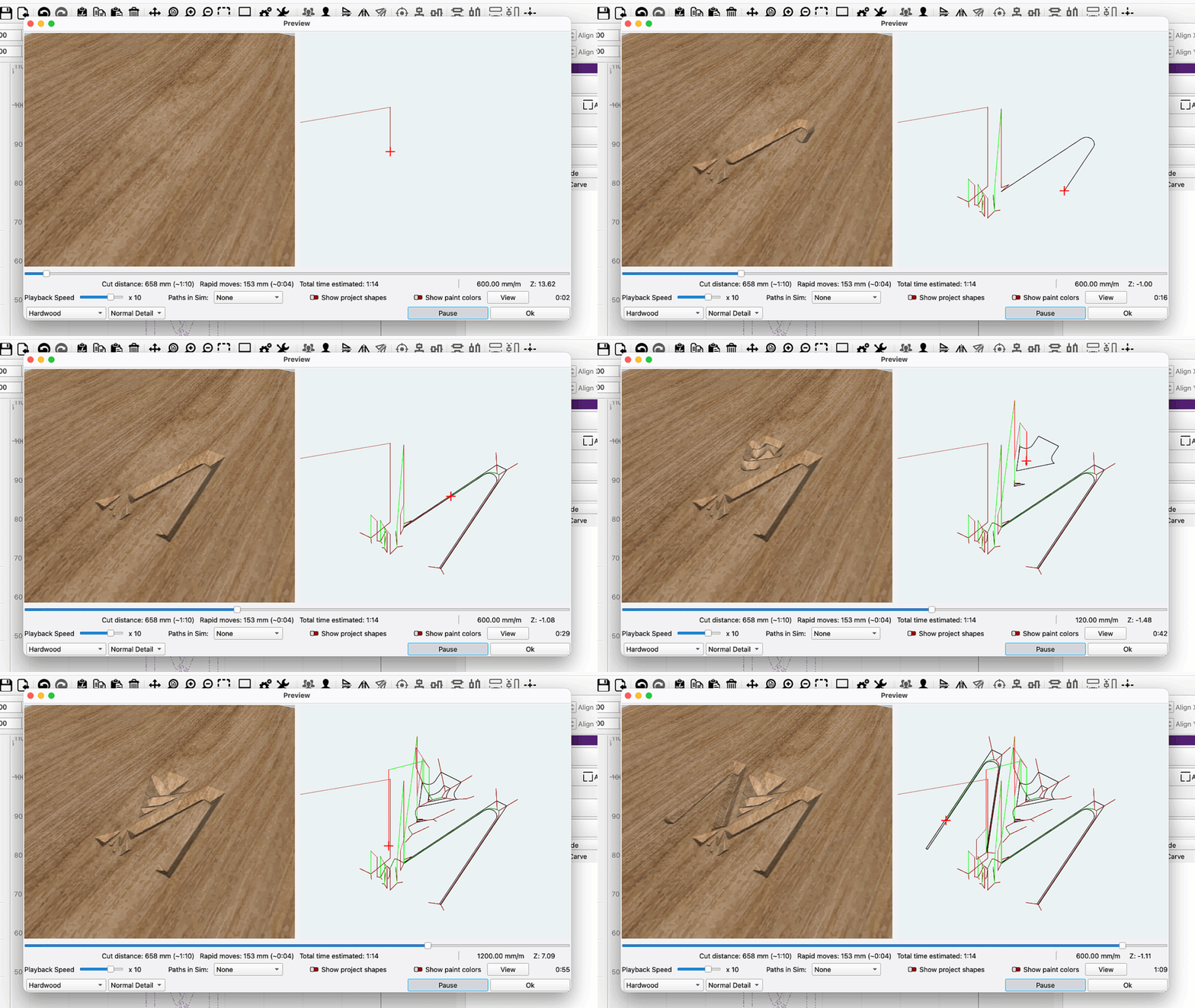
MillMage Core provides an intuitive CAM interface for setting up essential operations like Pockets, Profiles, Drills, and more. We’ve also implemented intelligent toolpathing options like Dogbone Slots and Rest Pockets, both of which compensate for tool geometry to generate paths for specific use-cases, along with Fluting, which you can use to carve tapered grooves into your material.
Through our Operations Exporter, MillMage can generate toolpaths for any machine that uses standard GCode, and with our Custom GCode interface, you can modify your output to suit the specific needs of your workflow or firmware.
Control
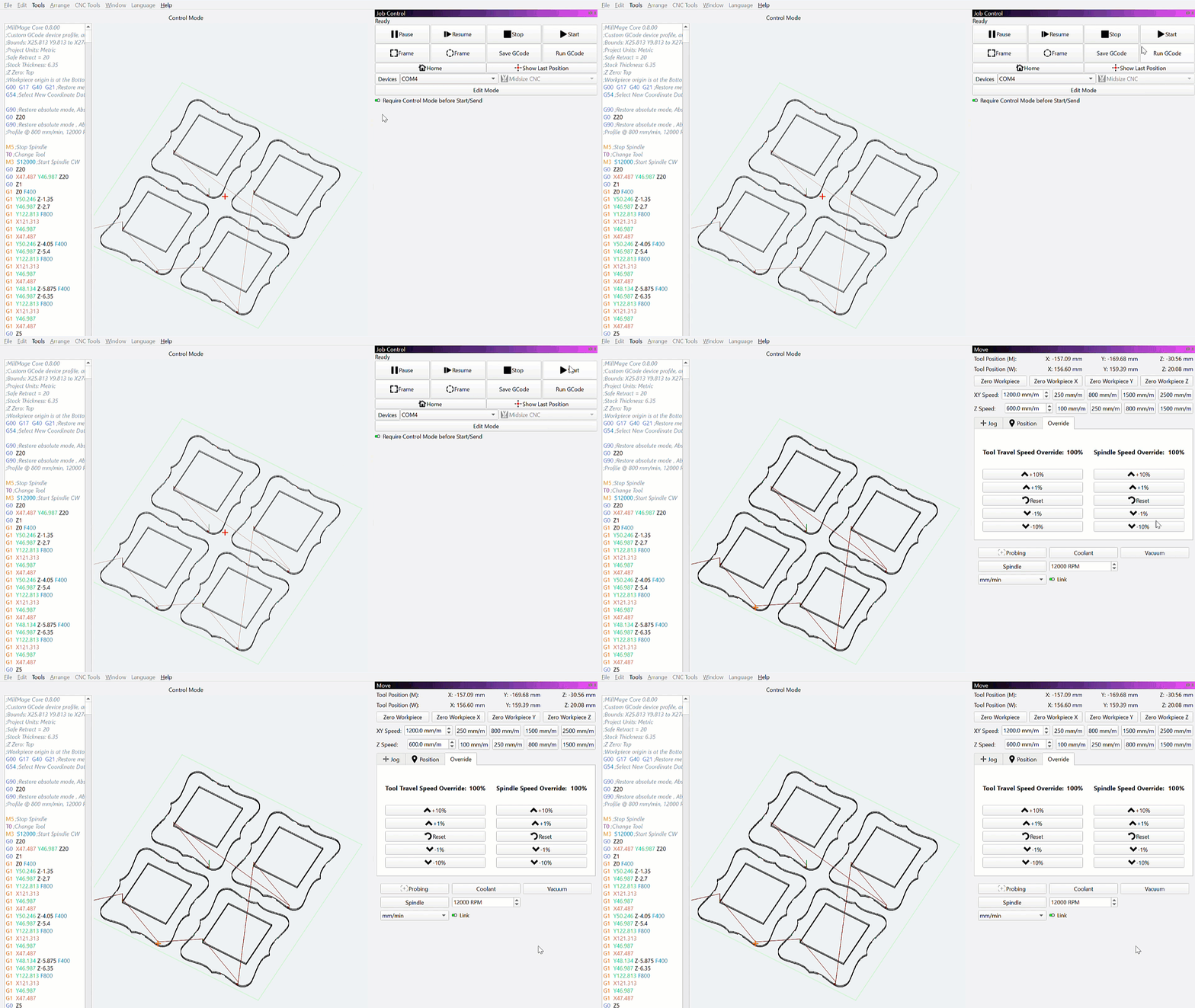
This one’s a game-changer, folks. MillMage can connect to, jog, zero, and directly send jobs to machines running GRBL or Smoothieware. Direct control opens up the ability to easily segment out multi-tool or multi-step jobs, just by flipping a few output switches.
Need to adjust your design on the fly? Just make your tweaks and send — no need to re-process your operations and transfer them over to different sending software.
LightBurn Cross-Compatibility
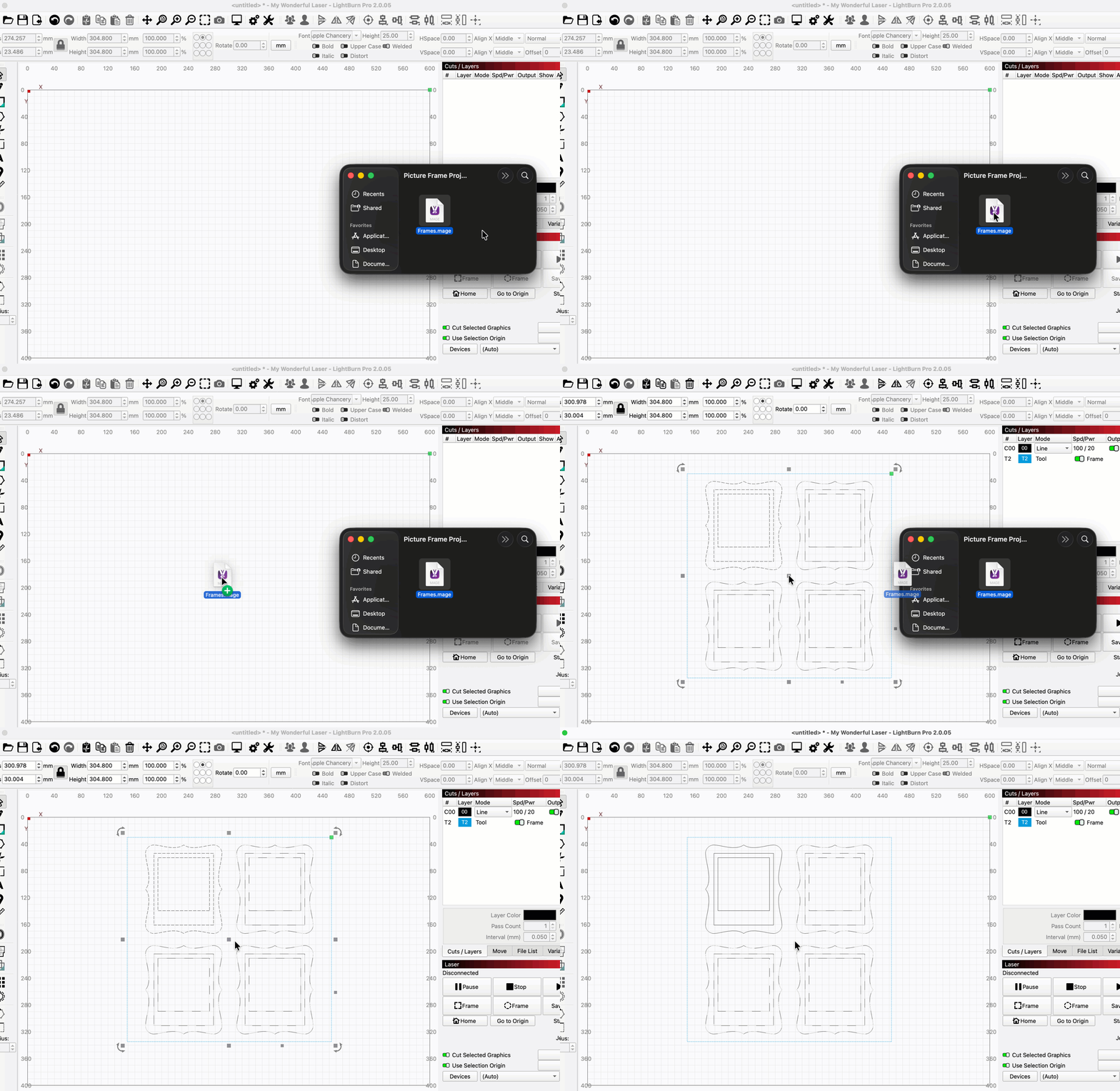
You won’t only be taking your LightBurn knowledge to MillMage, you can bring your actual files along with you too — .lbrn2 files will open in MillMage, and .mage files in LightBurn.
This cross-compatibility makes CNC-to-laser and laser-to-CNC projects easier than ever before. Work with the exact same design tools and project geometry for every step of your multi-process jobs.
Coming in Pro
Everything mentioned above is here today in MillMage Core, but we’re not done yet. We’re keeping our devs chained to their desks hard at work to get another major release out the door — MillMage Pro.
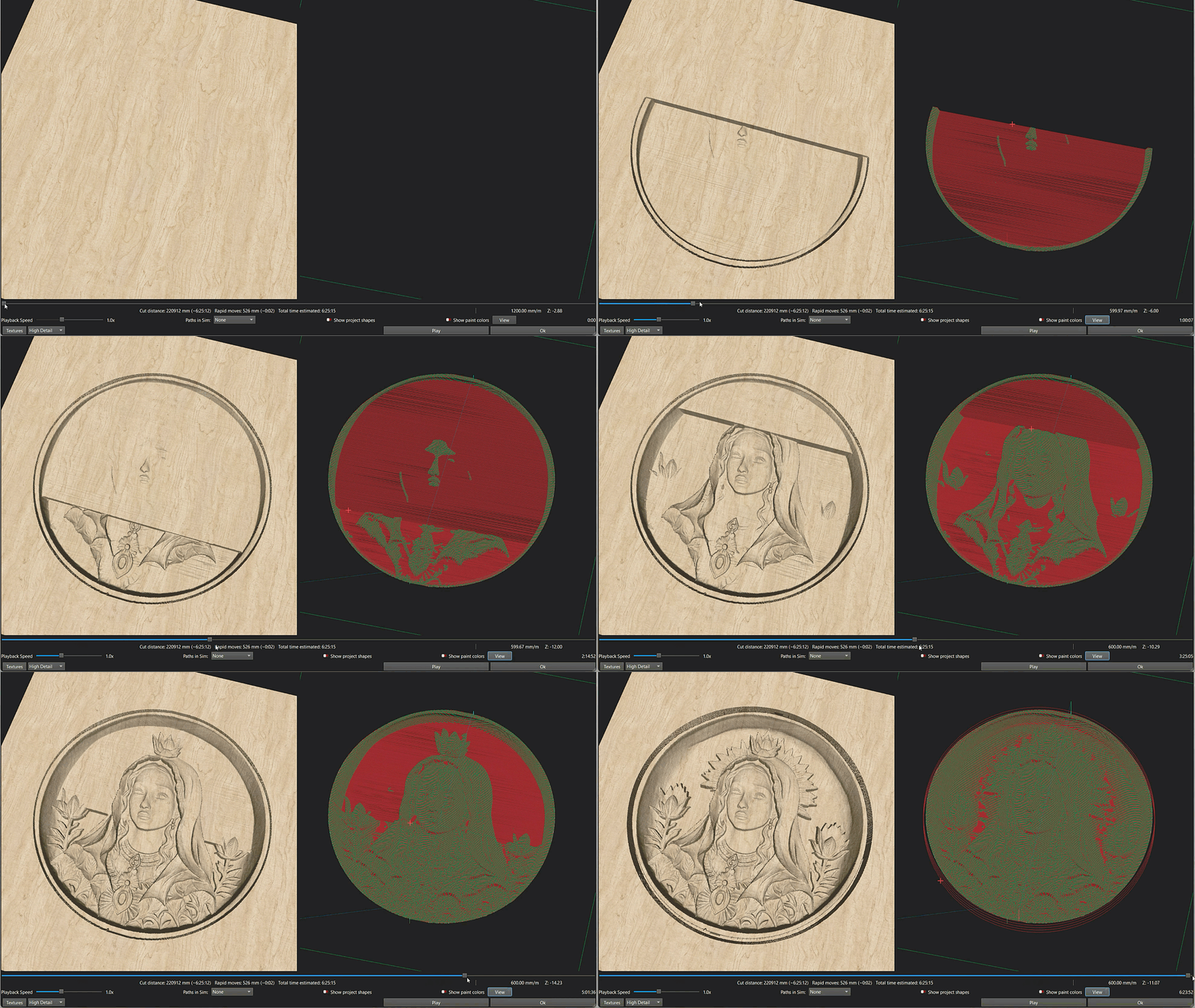
Pro will come with everything available in Core, along with Relief Carving, V-Carving, True Nesting, and more. We can’t give an exact timeline for the release of Pro, or any of these specific features, but they are all on the way.
If you’ve read this far, you know you want to try MillMage — so download now and get started!
For more information on using MillMage, visit our documentation. If you need help, please email us at Support@MillMageSoftware.com, or ask on our Support Forum.
